





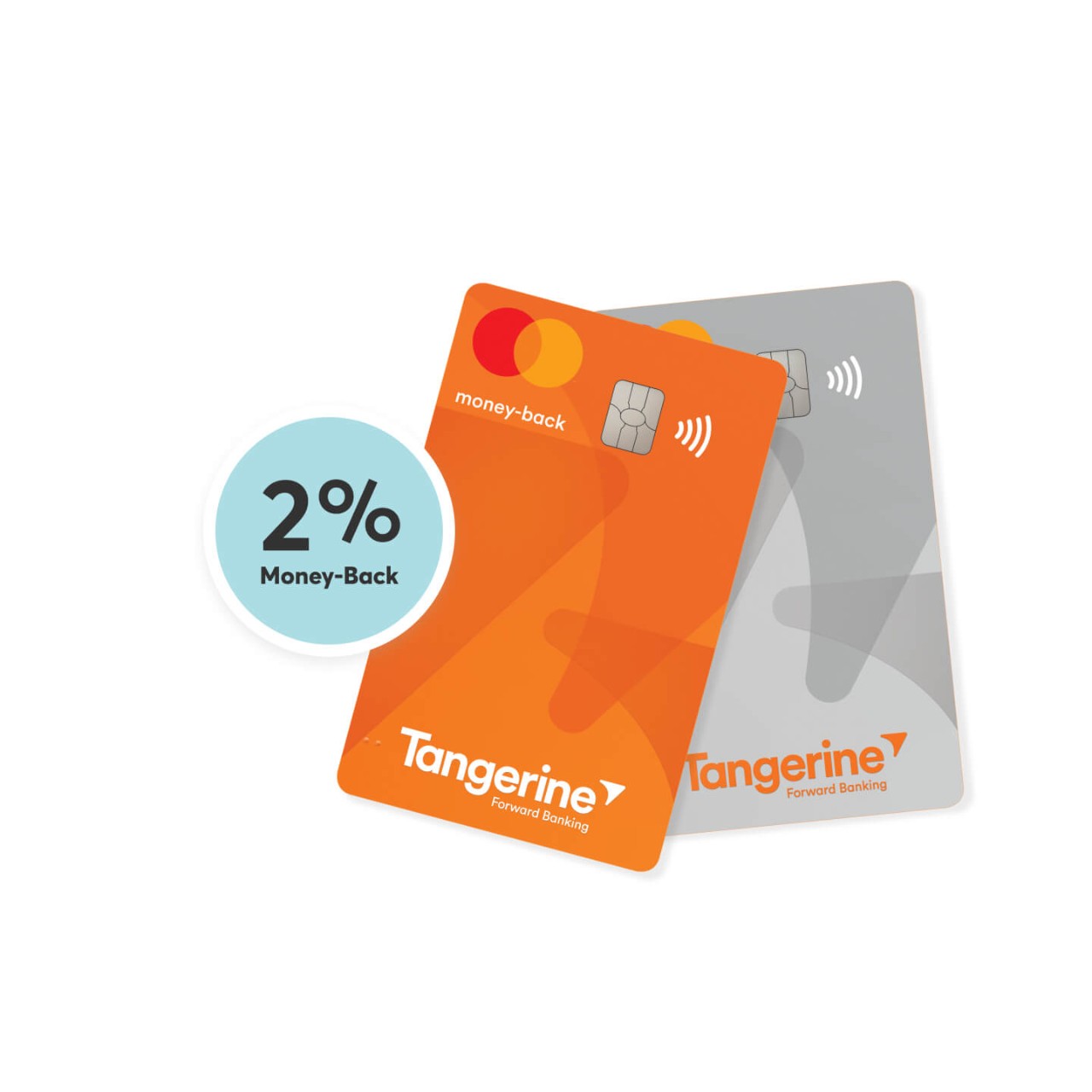
Eligible Tangerine Clients save big with Sonnet. Plus, earn 2% money back on your Tangerine Credit Card with insurance payments.
Start saving now! Eligible Tangerine Clients save more with Sonnet
Sonnet’s making insurance easy for Tangerine Open in a new window Clients. Start with a straightforward quote process and finish with incredible savings and coverage you can count on. Just answer a few basic questions, customize your coverage and buy directly online. Getting your exclusive Tangerine discount** is easy. Start a quote and select that you’re a Tangerine Bank Client – your discount will automatically be applied.






Still have questions about our group and affinity discount?
If you’re already a Sonnet customer, you can easily add your Tangerine discount online in a few steps:
- Log in to your account.
- Select the policy you’d like to add your Tangerine discount to.
- Select Add a group and affinity discount.
- Select Tangerine Bank Clients and enter the primary phone number associated with your Tangerine account. Select Add discount.
- When you’re finished adding your Tangerine discount, select Add discount.
- Review your policy change, including any price updates. Once you’ve reviewed and confirmed your changes, select Update policy.
- The Tangerine discount is automatically applied to your policy. If we can’t verify your eligibility, we’ll remove the discount.
Note: If you have multiple policies with Sonnet, repeat the steps above for each policy to add your Tangerine discount.
We can help around the clock. Call our advisors Monday to Friday from 8 a.m. to 6 p.m. ET, excluding holidays. Need help after hours? Email us and we’ll reply within two business days. Our chatbot is also available 24/7.
It depends. Some discounts may apply to both your home and auto policies, while others may apply only to one. If you qualify for more than one group or affinity discount, we can only apply one discount per policy, but we’ll make sure you get the best price.
During your home or auto quote, start typing and select your group from the dropdown, then enter your organization's ID. You’ll see a “Discount applied” notification. We’ll use the information you’ve provided to verify you are a member and automatically apply your discount.
To qualify for a group and affinity discount, you or your spouse must be a graduate or student of an eligible Canadian university or college, a member of an eligible association, or an employee or retiree of an eligible organization.
When you add your discount, we’ll ask for your organization’s ID. We’ll use these details to confirm your eligibility and automatically apply your discount.
When you add your discount, we’ll also ask for a group ID. We’ll use these details to confirm your eligibility and automatically apply your discount.
We want to help you save money on your insurance – that’s why we offer discounts for 2000+ organizations! But being eligible for discounts isn't the only way to keep your premiums low. By understanding how home and auto insurance rating factors work, you’ll learn what steps you can take to get a more affordable premium. It’s easier than you think.
By choosing ‘Recurring Bills’ as a 2% Money-Back Category, you could earn money back on your Tangerine Credit Card when you use it to make your insurance payments.
First, set up your Sonnet insurance policy payments with your Tangerine Credit Card.
- Choose easy pay with monthly payments.
- Select credit card as the payment method.
- Next, fill in your Tangerine Credit Card details.
- Review your payment details and click Review and Buy.
Are you an existing Sonnet customer? Here’s how you can change your payment method.
Then, follow these steps to start earning 2% Money-Back Rewards with Tangerine.
- Log in to your Tangerine account.
- Select your credit card.
- Select Rewards.
- Click Change Categories.
- Select Recurring Bills.
And that’s it! You should start receiving 2% Money-Back Rewards on your Tangerine Credit Card.
Adding your Tangerine discount is easy.
- Look for the Group Discount section when you’re getting a home or auto quote.
- Click the checkbox that says, “I’m a Tangerine Bank Client.” We’ll ask for the phone number associated with your Tangerine account to verify if you’re eligible.
- Click Continue.
- That’s it! We’ve applied your Tangerine discount to your quote. If we can’t verify your eligibility, then the discount will be removed.
Do you already have a Sonnet insurance policy? Learn how to add your Tangerine discount.

Are you a Sonnet customer?
Log in to chat so we can talk specifics.